
Free invoice generator
Fill in your business, your client and a few line items — and download a clean, professional PDF invoice in seconds. No account, no watermark, multi-currency.
Instant PDF · no account · no watermark · yours to keep
How it works
Fill in the details
Your business, your client, line items, tax and notes — totals add up as you type.
Download instantly
A clean, professional PDF built in your browser. No account, no watermark, no waiting.
Reuse for every client
Edit anything and download again. Free, as many invoices as you need.
More free tools: graph paper · worksheet makers · budget templates →
What to put on a professional invoice
A clear invoice gets paid faster. Include these eight essentials — the generator above has a field for each:
- Your business name, contact details and logo
- Your client's name and details
- A unique invoice number
- Issue date and a due date (or payment terms)
- An itemized list — description, quantity and rate
- Subtotal, tax (GST / VAT / sales tax) and total due
- How and where to pay you
- A short note — deposit terms, thanks, or a late fee
How to make an invoice (free, in 60 seconds)
- 1Add your business detailsYour name, email, address and logo.
- 2Add your client's detailsWho the invoice is for.
- 3List your workOne line per item with a description, quantity and rate. Totals add up automatically.
- 4Set tax, invoice number and due dateEnter a tax rate, a unique invoice number and when payment is due.
- 5Download the PDFClick download — a clean, watermark-free PDF, ready to email or print.
Invoice templates by profession
Working in a specific trade? Each page pre-loads this same free generator with the line items your profession actually bills.
5 ways to get paid faster
- Invoice the moment the work is doneDon't let it sit — the sooner it goes out, the sooner you're paid.
- Keep terms short and clearNet 7 or Net 14 gets paid faster than Net 30. Put the due date in bold.
- Take a deposit on bigger jobs30–50% upfront protects your time and smooths cash flow.
- Make paying effortlessAdd your payment link or bank details right on the invoice.
- Send a gentle reminderA friendly nudge two days before the due date works wonders.
Ready-made business printables
Browse all →
Client Booking & Appointment Tracker

Daycare & Childcare Attendance Tracker

Expense Report Template — Excel & Google Sheets

Food Truck & Market Stall Sales Tracker

Handmade & Craft Business Order Tracker

Product Pricing & Profit Calculator

Inventory Tracker Spreadsheet

Freelancer Business OS — Clients, Invoices & Finance
More free tools
See all 40+ →Comments
Frequently asked questions
- Is the invoice generator free?
- Yes — the invoice generator is completely free with no sign-up and no watermark. Create as many professional invoices as you need at no cost.
- Can I download the invoice as a PDF?
- Yes. Fill in your details and download a clean, professional PDF invoice instantly. The PDF is built right in your browser, so there is no waiting and nothing to install.
- Do I need to sign up or create an account?
- No account is needed. Everything runs in your browser — enter your business, client and line items, then download your invoice without registering.
- Can I add my business and client details?
- Yes. You can add your business name with optional email and address, your client’s details, an invoice number, dates, line items, a tax rate and notes — all of which appear on the finished invoice.
- Does the free invoice have a watermark?
- No. There is no watermark and no branding on your invoice — the PDF is clean and yours to keep, so you can send it straight to your client.
- Can I add tax and choose my currency?
- Yes. Enter a tax percentage and the invoice calculates the tax and total automatically, and you can pick from US dollars, pounds, euros, Australian dollars, Canadian dollars or rupees.
- What invoice number should I use?
- Any unique sequence works — many people start at INV-001 (or 2026-001) and count up. The only rule is that no two invoices share a number, so you and your client can reference them later.
- Can I use this invoice generator in any country?
- Yes. Pick your currency, add your local tax (GST, VAT or sales tax) as a percentage, and the invoice works anywhere — nothing is region-locked.
- How do I send the invoice to my client?
- Download the PDF and attach it to an email, or print it. Nothing is stored on our side — the finished invoice is entirely yours.
- Is there an invoice template for my profession?
- Yes — we have 40+ profession-specific pages (trades, cleaning, photography, tutoring, pet care, freelance, beauty and more), each pre-loading this same free generator with the line items that trade actually bills.
Get more free small-business tools
Join our email list for free templates + practical tips for running the money side of a small business. No spam, unsubscribe anytime.
Know someone who needs this?
It's free, and it stays free — no account to send them to.
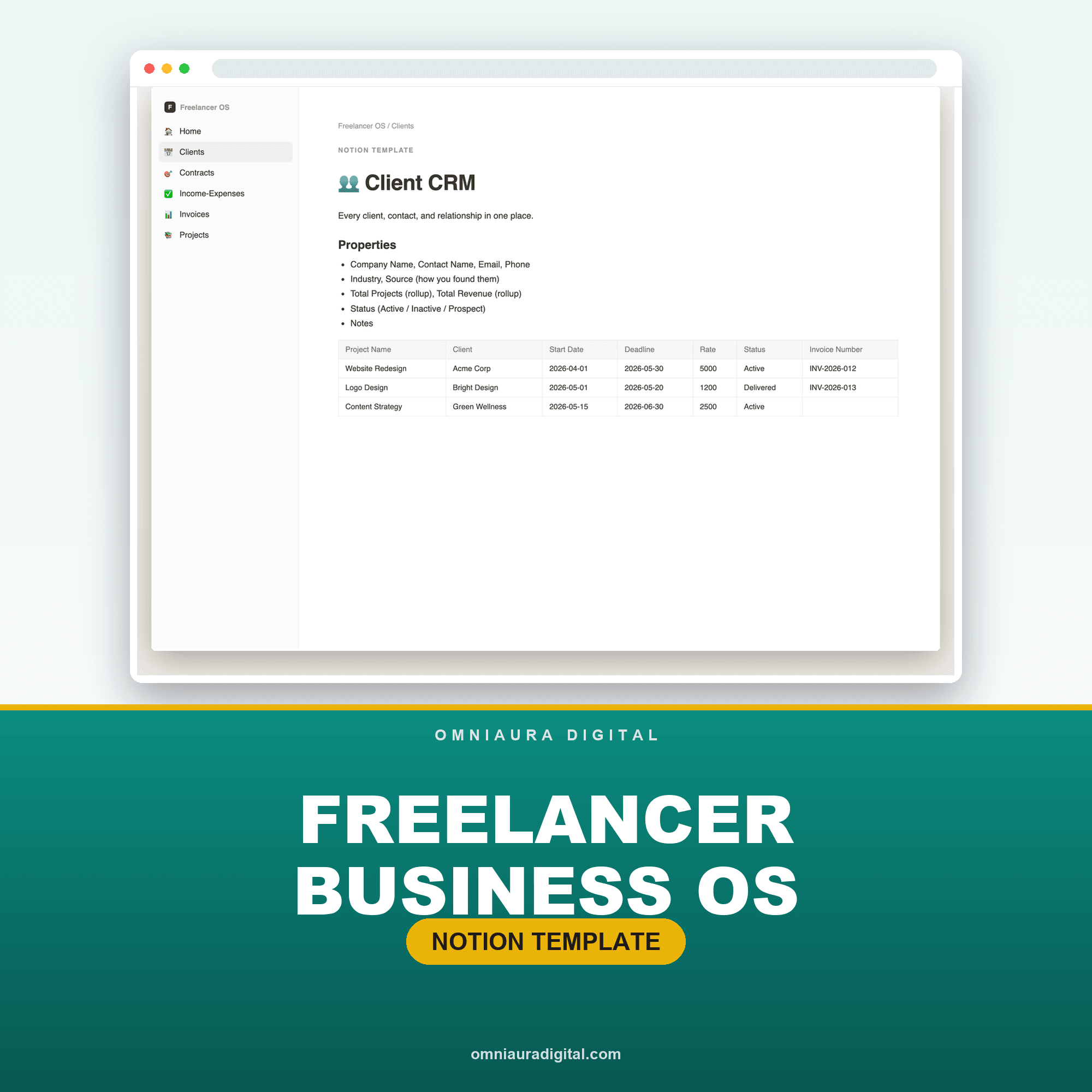
Freelancer Business OS
One invoice is easy. Tracking every client, invoice, payment and expense in one place is the hard part — the Freelancer Business OS gives you clients, invoicing, income & expenses and a tax-ready summary in a single done-for-you system.
See the Freelancer Business OS