
Free flashcard maker
Make your own printable flashcards in seconds — type your terms and definitions, pick a layout, and print clean cut-out cards. Double-sided puts the answer on the back. No account.
Instant PDF · US Letter or A4 · cut guides included · no account
Double-sided tip: in your printer dialog choose print on both sides and flip on long edge — each definition lands right behind its term.
How it works
Type your cards
One card per line. Add a definition after a | (or a comma, tab or dash) — “cat | a small pet”. Term-only works too.
Pick your layout
Choose 4 large, 6, 8 or 10 small cards per page, US Letter or A4, and whether you want a definition on the back.
Print & cut
A clean flashcard PDF with light cut guides builds in your browser. Double-sided lines up the back behind each term.
More free tools: word search · bingo cards · all free tools →
Ready-made kids & learning printables
Browse all →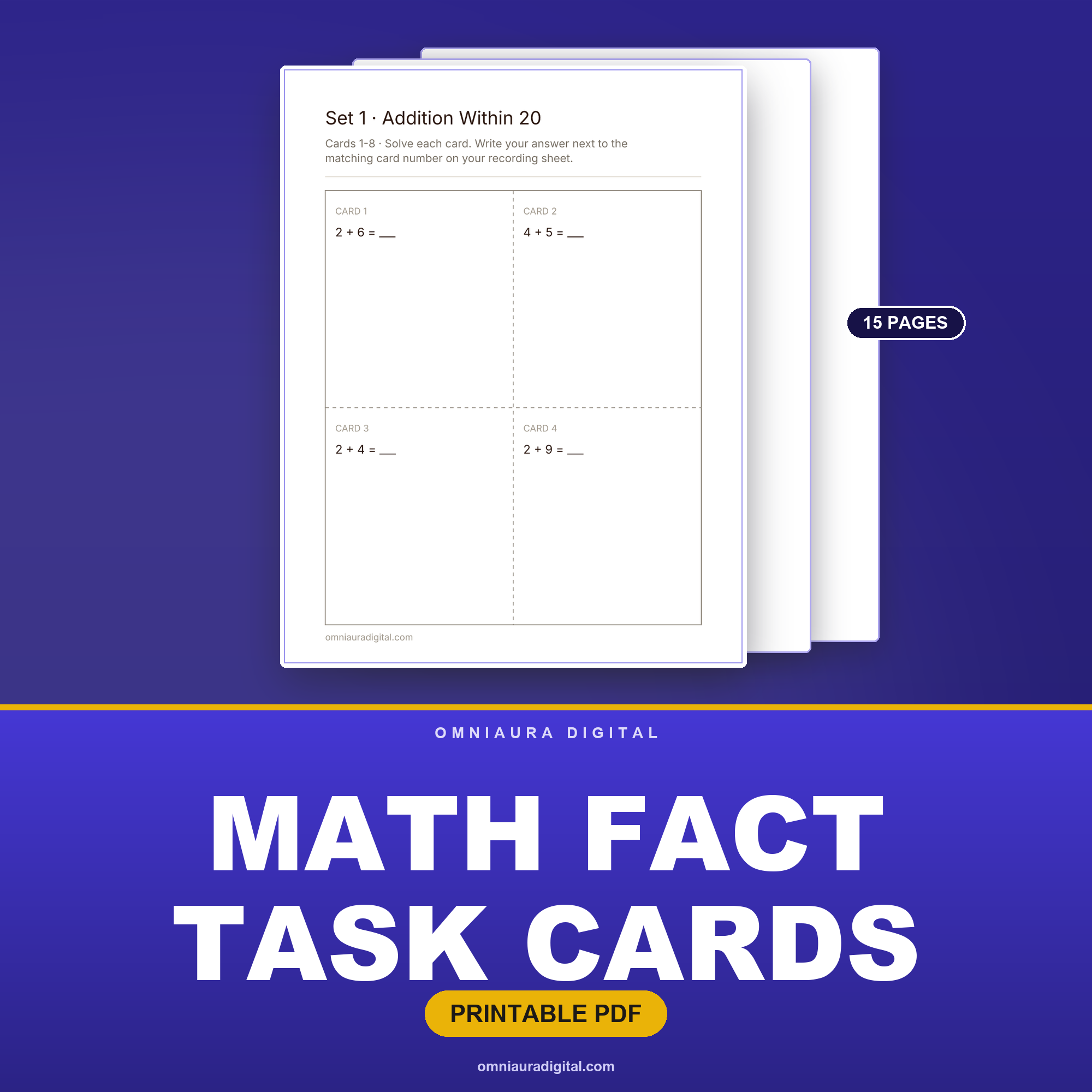
Math Fact Task Cards — Addition, Subtraction, Multiplication & Division (4 Sets)
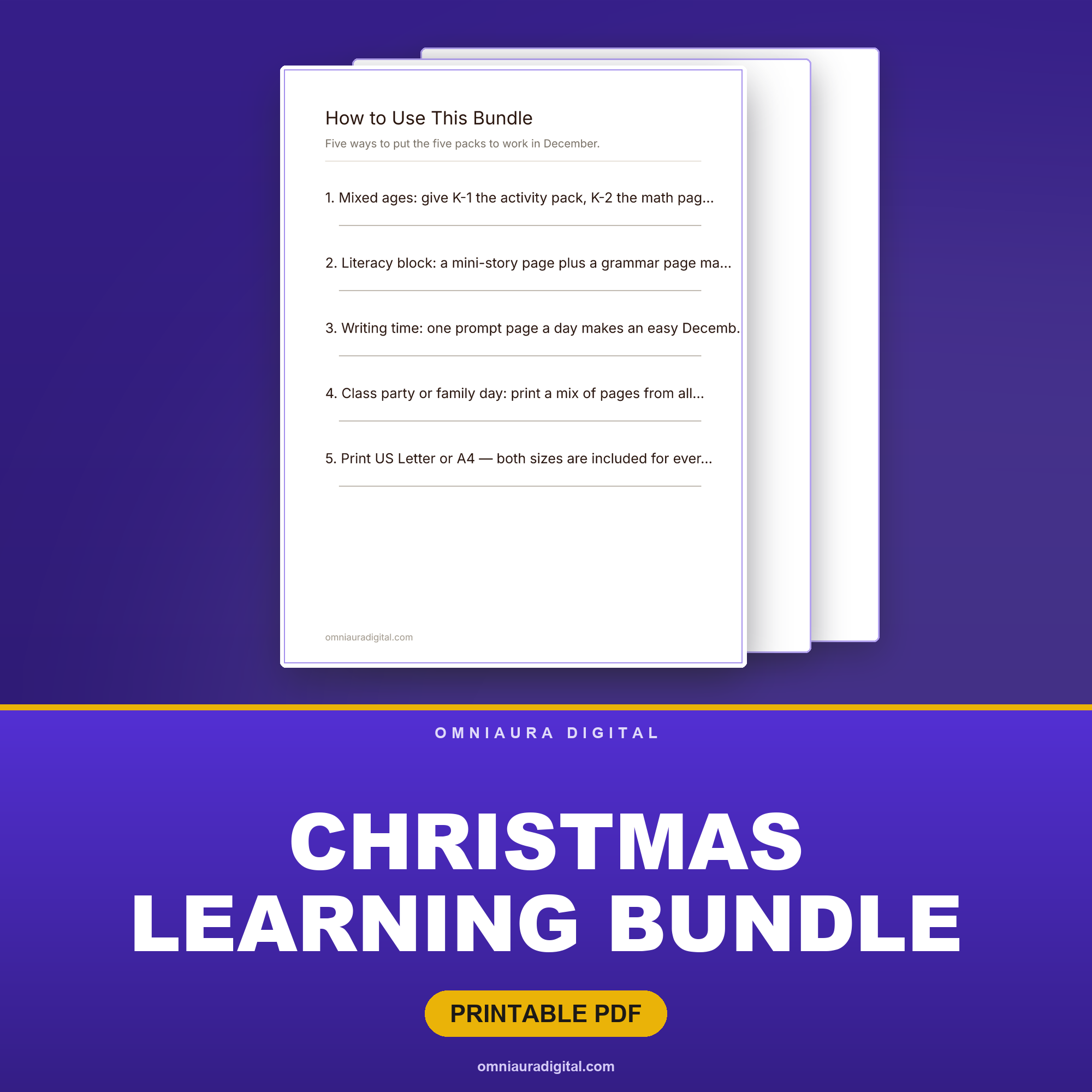
Christmas Learning Bundle — 5 Complete Packs (K-4)
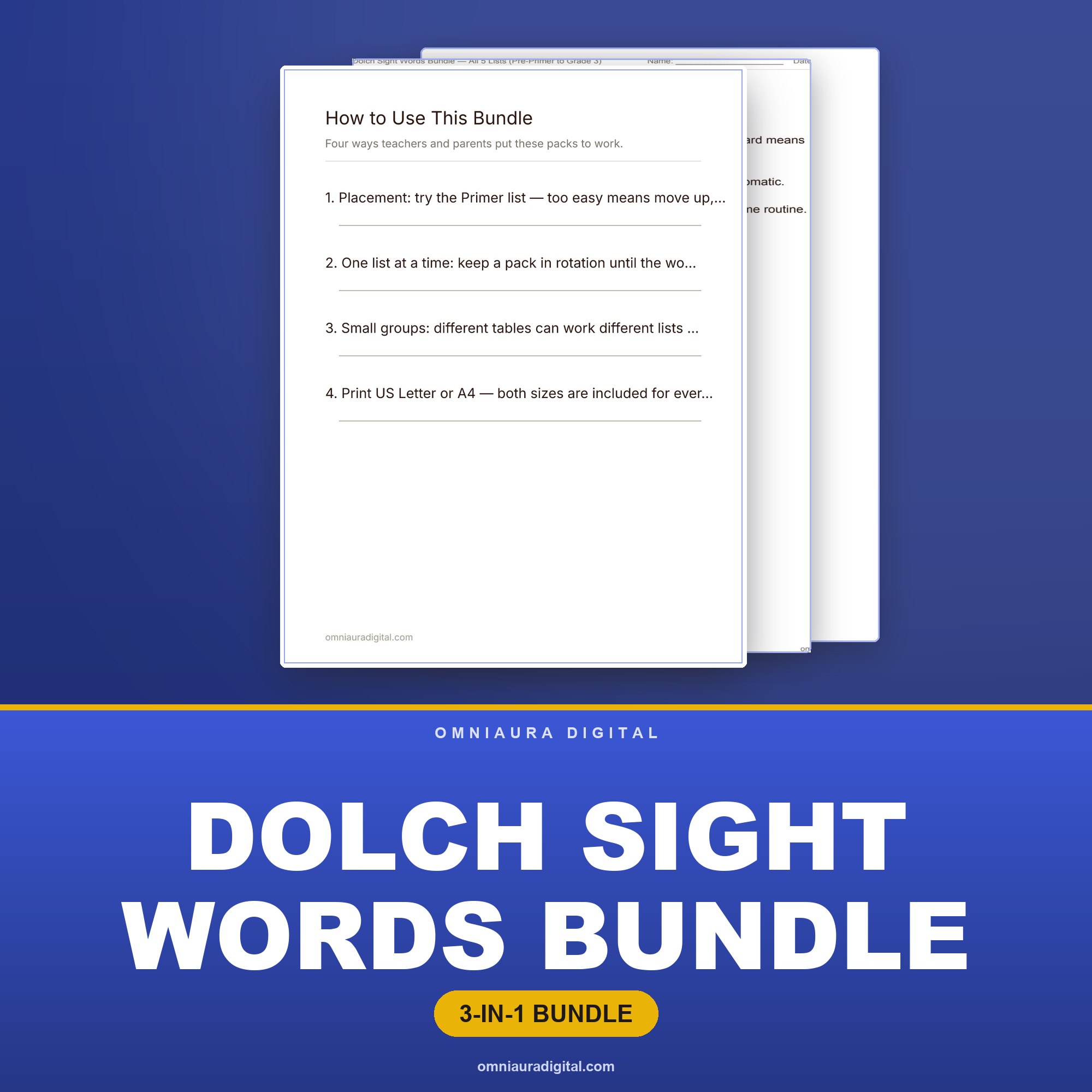
Dolch Sight Words Bundle — All 5 Lists (Pre-Primer to Grade 3)
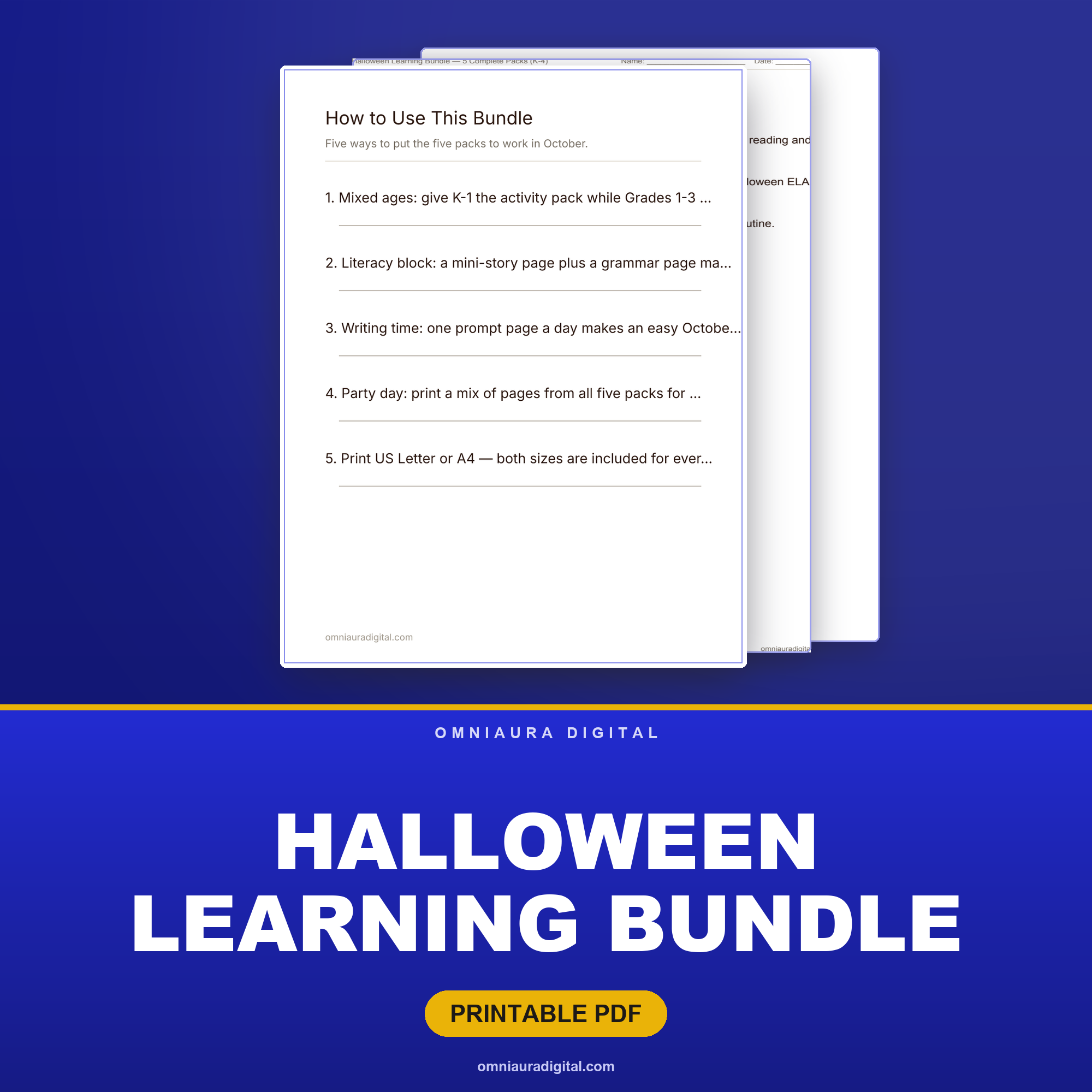
Halloween Learning Bundle — 5 Complete Packs (K-4)
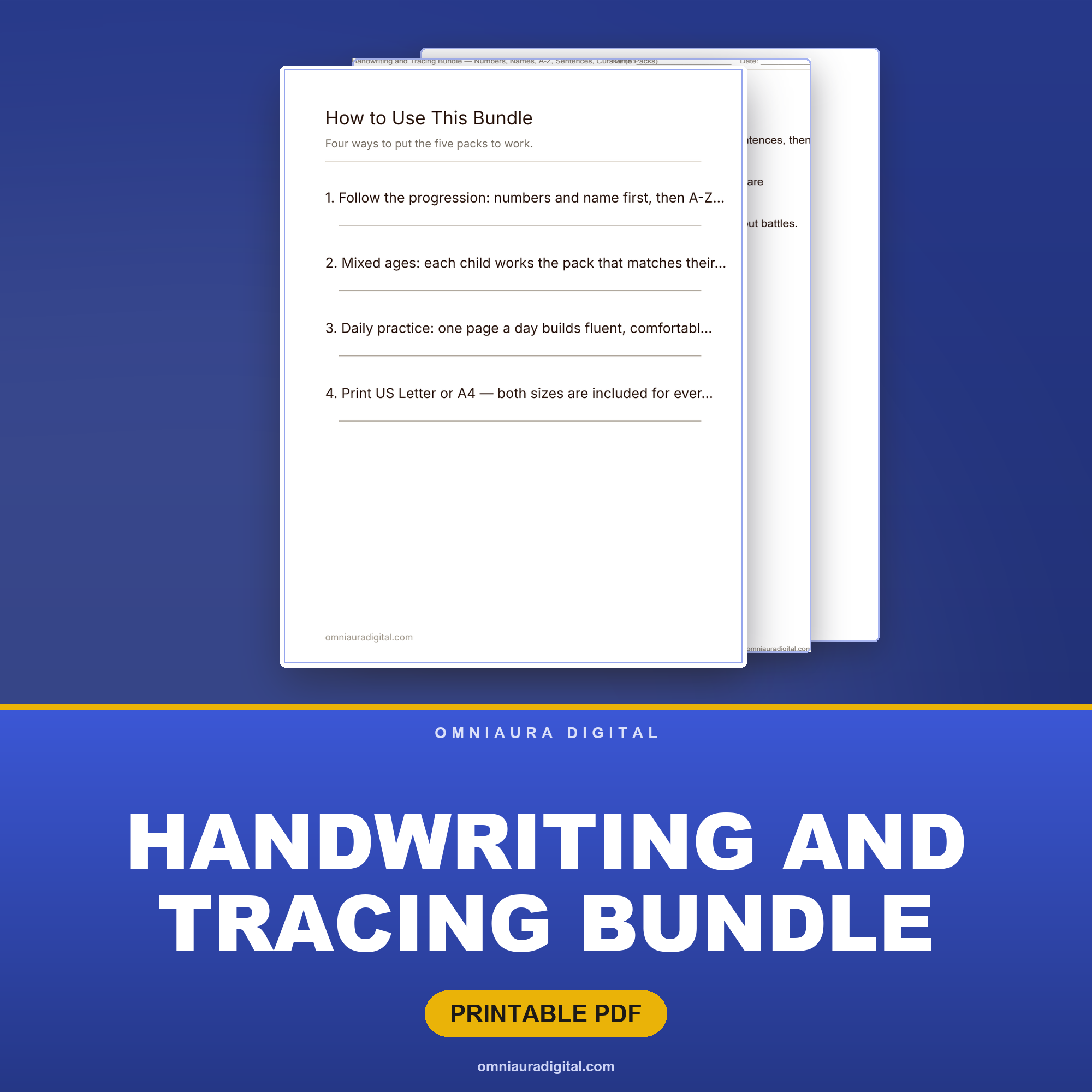
Handwriting and Tracing Bundle — Numbers, Names, A-Z, Sentences, Cursive (5 Packs)
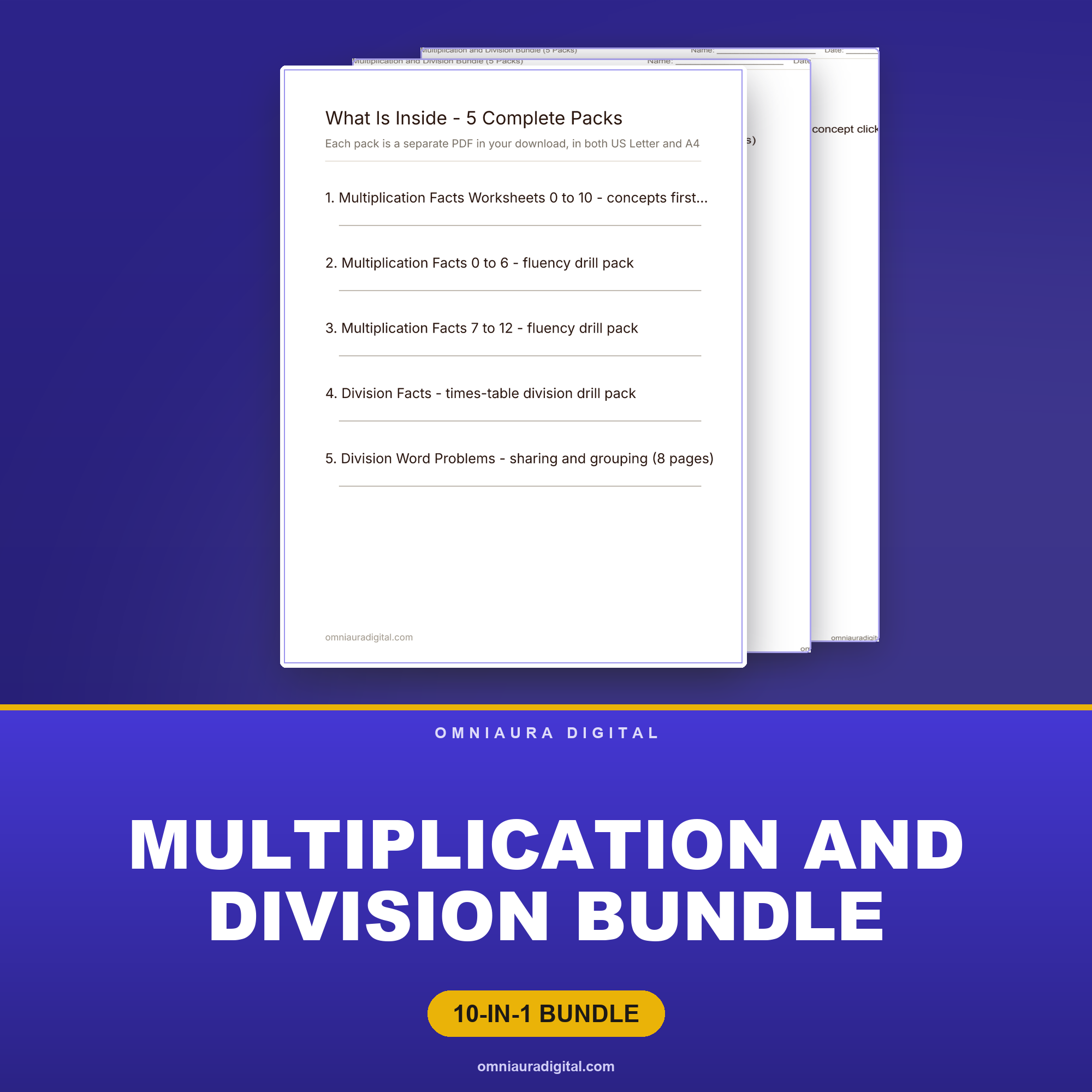
Multiplication and Division Bundle (5 Packs)
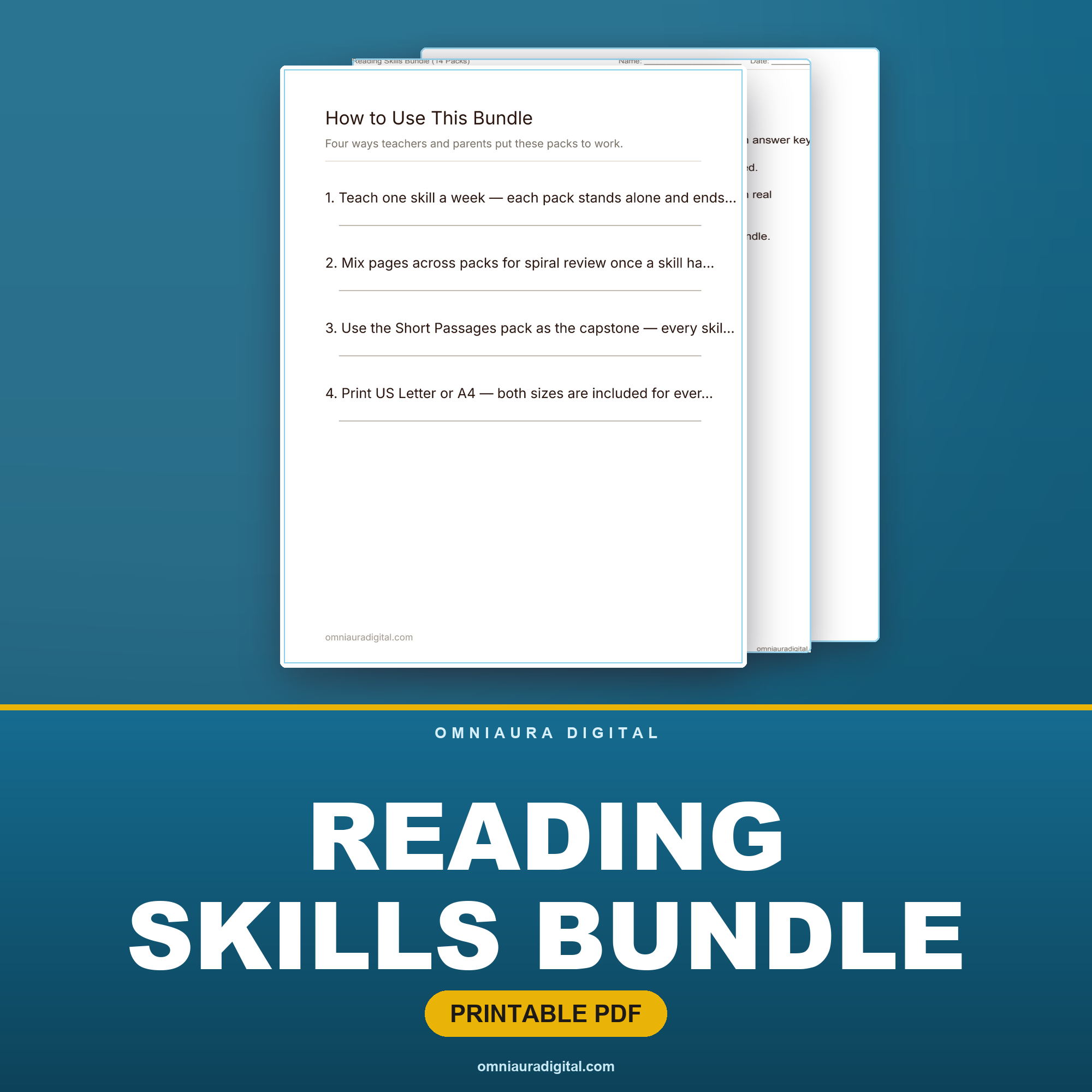
Reading Skills Bundle — 17 Comprehension Packs, Grades 2-3
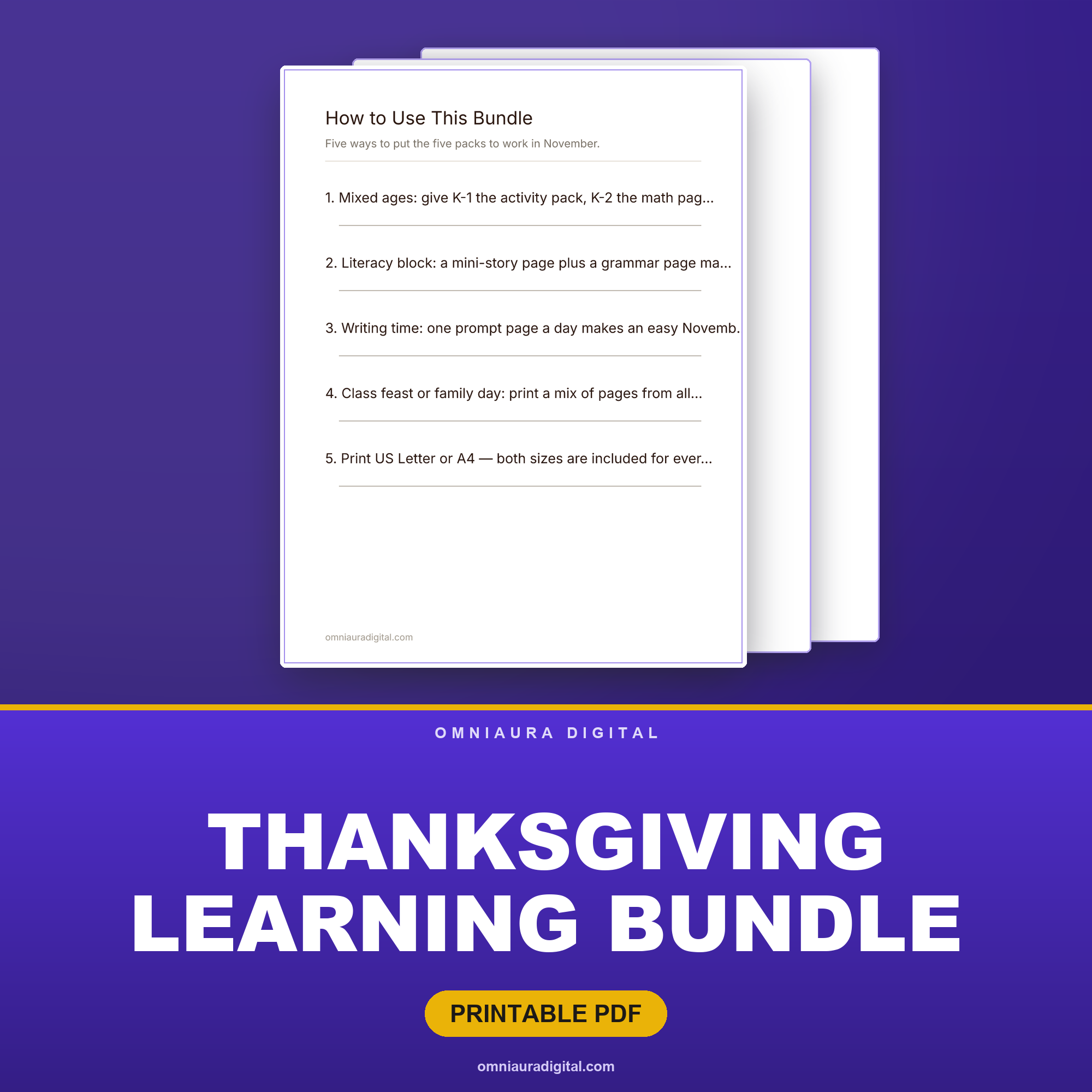
Thanksgiving Learning Bundle — 5 Complete Packs (K-4)
More free tools
See all 40+ →Comments
Frequently asked questions
- Is the flashcard maker free?
- Yes — completely free, no account needed. Type your terms, pick a layout, and download printable cut-out flashcards as a PDF instantly.
- Can I make double-sided flashcards?
- Yes. Add a definition after each term and turn on double-sided — the back page is mirror-aligned so each answer prints directly behind its term when you print double-sided (flip on the long edge).
- Can I print flashcards at home?
- Yes. You get an instant PDF of cut-out cards with light cut guides, ready to print on US Letter or A4 and snip apart.
- How many flashcards fit on a page?
- Choose 4 large, 6, 8 or 10 small cards per page — bigger cards for young learners, smaller for a big vocabulary deck.
- Can I use it for sight words, vocabulary or language learning?
- Yes. Type "term | definition" per line for two-sided cards (great for vocabulary or languages), or just a word per line for simple sight-word cards.
- Do I need Canva or any software?
- No — the flashcard maker runs entirely in your browser and outputs a ready-to-print PDF. No Canva, no design skills, no sign-up.
Want a new free printable each week?
Pop in your email for a fresh no-prep printable + the occasional tip. No spam, unsubscribe anytime.
More for little learners
Flashcards make vocabulary, sight words and math facts stick — and so do our no-prep printables for phonics, sight words, math, handwriting and more.
Browse kids learning