
Free 50/30/20 budget calculator
Type in your monthly take-home pay and instantly see how much to put toward needs, wants and savings — then download a fillable budget worksheet to track it.
Rent, food, utilities, transport, minimum debt payments
Dining out, subscriptions, hobbies, travel, shopping
Emergency fund, investing, extra debt payoff
Instant PDF · fillable by category · no account needed
How it works
Enter your take-home pay
Your monthly income after tax — the calculator splits it the moment you type.
See your 50/30/20 split
Needs, wants and savings in real dollars — or set your own custom percentages.
Download a fillable worksheet
A clean one-page budget PDF with your targets + lines to log every expense. Free.
The 50/30/20 rule: 50% needs, 30% wants, 20% savings & debt — a simple starting point you can adjust to your life.
More free tools: invoice generator · worksheet makers · budget templates →
The 50/30/20 budget rule, explained
Split your monthly take-home pay into three buckets — here's what goes in each:
Needs
Rent or mortgage, utilities, groceries, insurance, transport and minimum debt payments — the things you must pay.
Wants
Dining out, streaming and subscriptions, hobbies, travel, shopping — the nice-to-haves.
Savings & debt
Emergency fund, retirement and investing, plus extra payments to clear debt faster.
New to budgeting? 50/30/20 is the easiest place to start — then switch the calculator to Custom to match your life (a tight month might be 60/20/20; a savings push, 50/20/30).
How to make a budget (in 5 steps)
- 1Add up your take-home payYour total monthly income after tax — include every source.
- 2Split it 50/30/20Use the calculator above for instant dollar targets, or set your own percentages.
- 3List your needs firstAssign real dollars to rent, bills, food and transport — the must-pays.
- 4Set a savings target and automate itPay yourself first: move savings the day you get paid so it never gets spent.
- 5Track and adjust each monthLog what you actually spend, compare to your targets, and tweak next month.
Budget templates for every situation
The calculator gives you the split — these do the tracking for you: spreadsheets that total themselves in Google Sheets or Excel, or printable binder pages if you would rather budget with a pen.
5 ways to actually stick to your budget
- Automate your savingsSet savings to move on payday — out of sight, out of mind.
- Give every dollar a jobA zero-based budget (income minus spending = 0) leaves no money to leak.
- Use a separate card for "wants"A spending limit you can see is a limit you keep.
- Check in weekly, not yearlyFive minutes a week beats a painful surprise at month-end.
- Build in a little funA budget with zero wants never lasts — plan for them, guilt-free.
Ready-made finance printables
Browse all →
Monthly Budget Planner Spreadsheet

Charitable Donation & Giving Tracker

No-Spend Challenge & Savings Tracker

Annual Budget Spreadsheet

Couples Budget Spreadsheet

Investment Portfolio Tracker

Monthly Expenses List — Printable PDF + Spreadsheet
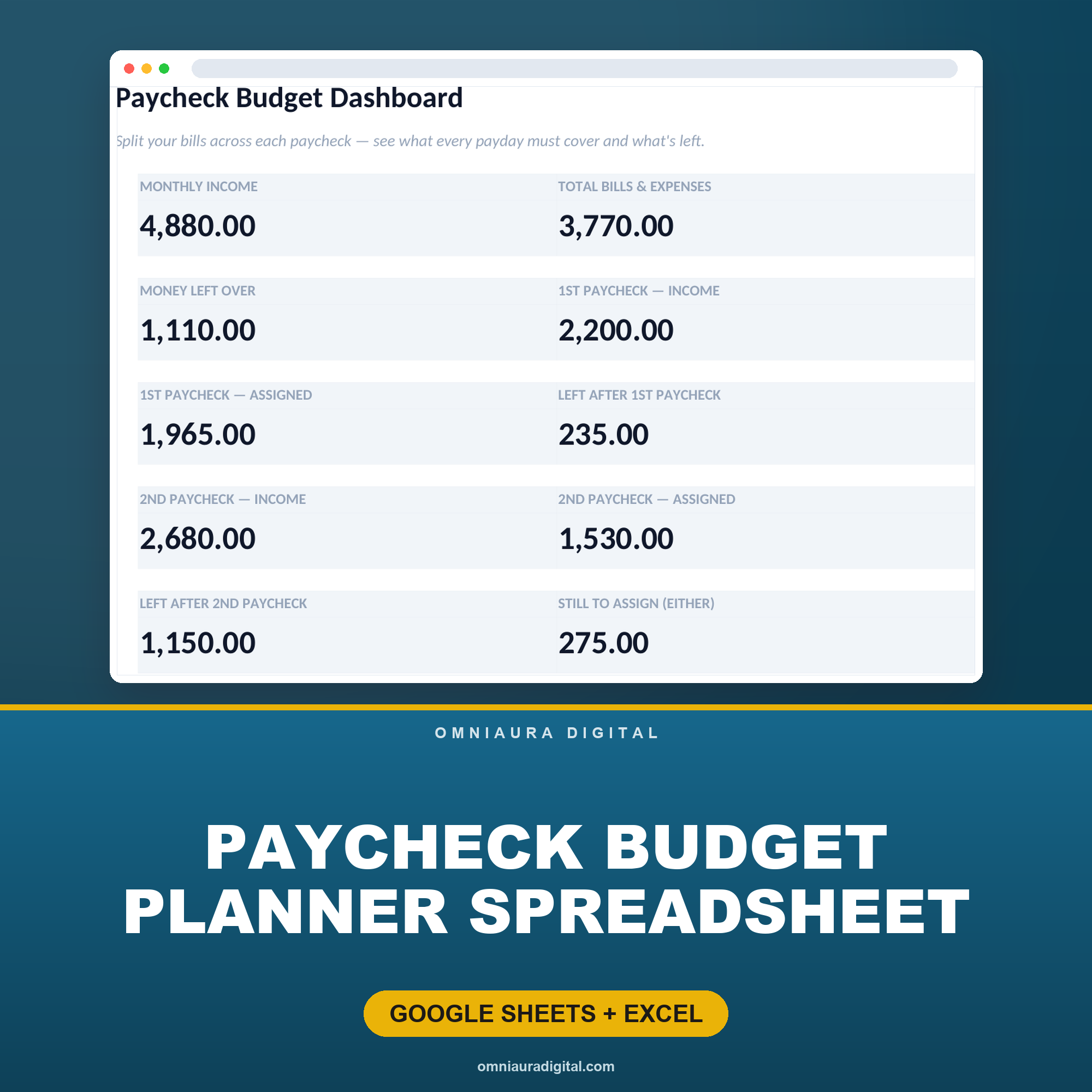
Paycheck Budget Planner Spreadsheet
More free tools
See all 40+ →Comments
Frequently asked questions
- Is the budget calculator free?
- Yes — the budget calculator is completely free with no sign-up. Enter your monthly take-home pay, see your split instantly, and download a fillable budget worksheet at no cost.
- Does it use the 50/30/20 budget rule?
- Yes. It defaults to the popular 50/30/20 rule — 50% needs, 30% wants, 20% savings and debt — and you can switch to Custom to set your own percentages for each category.
- How does the 50/30/20 rule work?
- The 50/30/20 rule splits your after-tax income into 50% for needs (rent, food, utilities), 30% for wants, and 20% for savings and extra debt payments. It is a simple starting point you can adjust to your situation.
- Do I need to sign up or create an account?
- No account is required. The calculator runs entirely in your browser, so you can get your needs/wants/savings breakdown and download the PDF without registering.
- Can I download a printable budget worksheet?
- Yes. After entering your income you can download a clean one-page budget worksheet PDF with your dollar targets and lines to log every expense by category — ready to print and fill in.
- What currencies does the budget planner support?
- You can choose from US dollars, pounds, euros, Australian dollars, Canadian dollars and rupees, and your selected currency appears on the on-screen breakdown and the downloaded worksheet.
- How much should I save each month?
- The 50/30/20 rule suggests 20% of your take-home pay toward savings and extra debt payments. If money is tight, start with even 5% and build up — the habit matters more than the amount at first.
- What counts as a need versus a want?
- Needs are essentials you cannot skip — rent, utilities, groceries, insurance, transport and minimum debt payments. Wants are everything that makes life nicer but is not essential — dining out, subscriptions, hobbies and travel.
- Can I set my own budget percentages?
- Yes — switch the calculator to Custom and enter your own percentages for needs, wants and savings. A tight month might be 60/20/20; a savings push, 50/20/30.
- What is a zero-based budget?
- A zero-based budget gives every dollar a job until income minus everything you assign equals zero. It is the most thorough method — our Zero-Based Budget spreadsheet does the math for you in Google Sheets or Excel.
Get more free money templates
Join our email list for free budgeting templates + practical money tips. No spam, unsubscribe anytime.
Know someone who needs this?
It's free, and it stays free — no account to send them to.
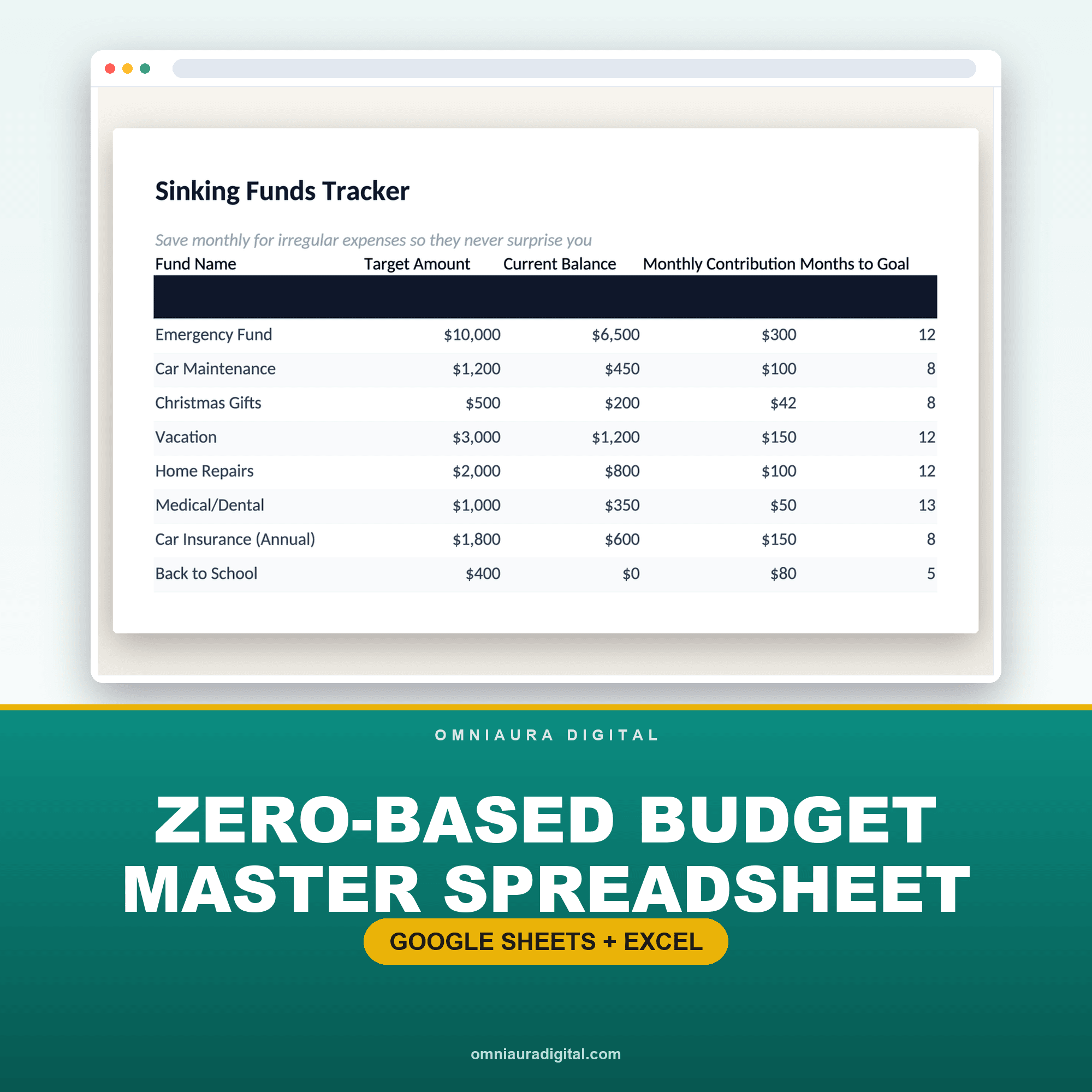
Zero-Based Budget Master Spreadsheet
A paper worksheet is a great start. When you want it to add up automatically — every category, every month, with charts and a running balance — the Zero-Based Budget spreadsheet does the math for you in Google Sheets or Excel.
See the Budget Spreadsheet